


2 Years In: How to Make Music on Linux
2026-05-19
So I've been saying that Windows is yucky since before they infected everyone with copilot. I've been hating on it since before October '25 when they decided that 400 million computers were obsolete and should be thrown directly into the ocean. I've been a hater since before they pitched pointing a video camera at the screen of nearly every PC in the world. While Microsoft gave me lots of ammo before these things, I honestly really only started hating it around the time of Windows 10. Not even because of the ads, the bloat, and the forced updates, I just thought it was ugly.
My love for Linux started around April 2024 with Mint on a 2012 laptop that ran my living room setup until I moved to New York and could no longer afford a living room. A PC that used to breathe fire running Firefox on Win10 ran so well it could even emulate gamecube games on 4gb of ram and an integrated GPU. On top of the performance gains, there were no forced updates. No onedrive. No antivirus yelling at me to buy more antivirus.
It was love <3
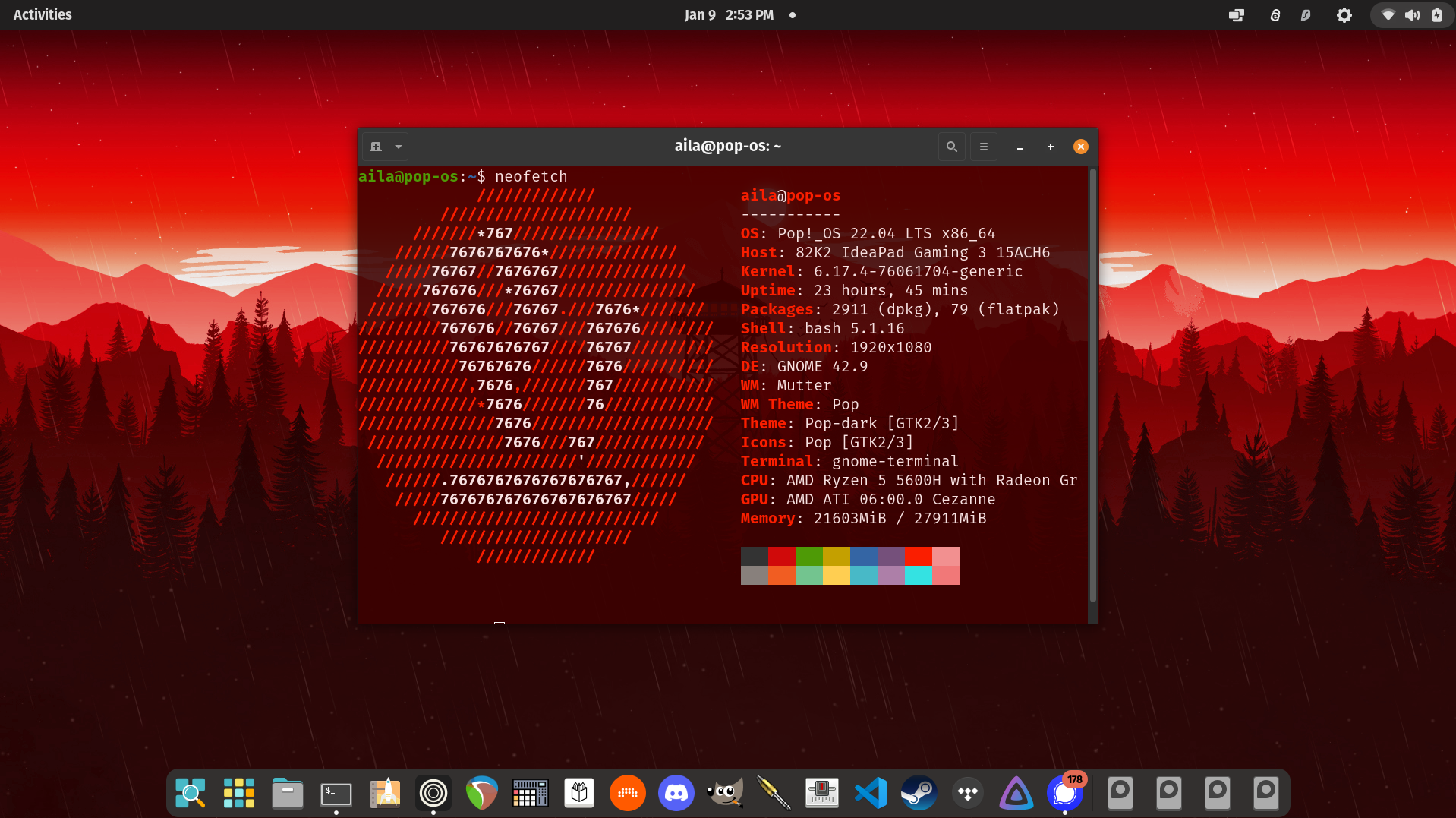
Naturally, as a decade-long Windows-resenter, and a lifelong hater of MacBook people who take loud FaceTime calls in coffee shops, it was only a matter of time before I started making annoying synth bloops with it. Within a few months of minting my media machine, I had popped an extra drive in my IdeaPad gaming and decided to give a go to music production.
I'm not gonna lie and say that it was all smooth, and both Linux itself and the audio ecosystem have improved drastically since then. I started on Ubuntu Studio, which had problems, and then Debian, which just wasn't right for my use case on this dual boot, but eventually settled on Pop!_OS where I've been on this machine for more than a year now.
I also can't say that I recommend the switch for everybody or even for all uses, heck there's still things that I do on Windows, but I'm going to cover those below. If you make music for yourself, or even for your job, Linux is probably still a viable daily driver for you.
The Learning Curve / Audio Devices
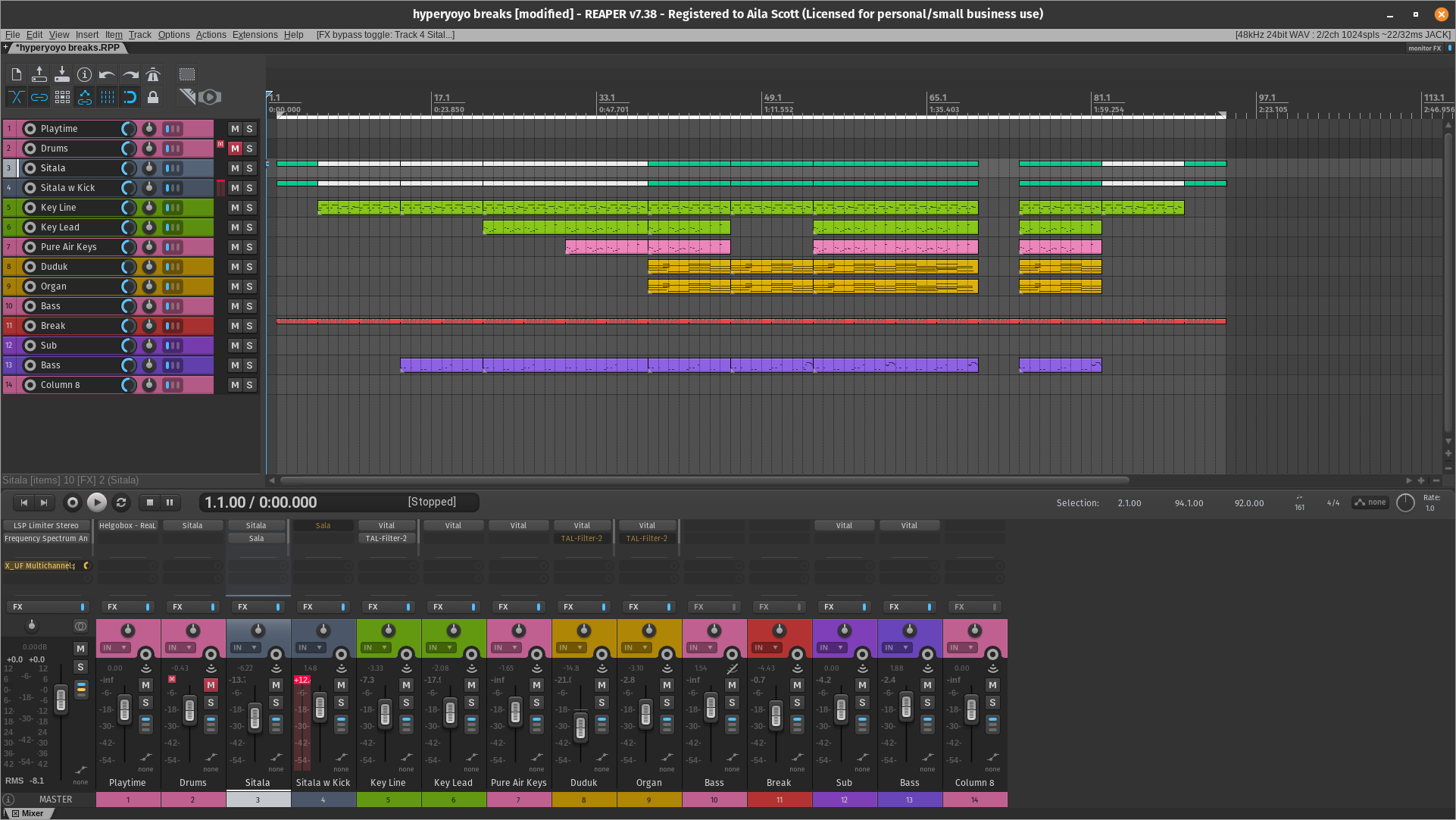
The actual process of making music on Linux is not too incredibly different than it is on any other OS. Install a DAW, run audio in and out of an audio interface, use plugins to play instruments and shape sounds. I was using Reaper on Windows, which works natively on Linux, and I've also added Bitwig Studio to the equation, but I'll get into both of those and what I use them for in a minute.
The hardest part of the learning curve was the audio server, but luckily this is also a lot easier these days, thanks to wider spread adoption of Pipewire. Think ASIO on Windows or CoreAudio on Mac. Like Mac, device drivers are built into the kernel, so you don't need to download them yourself. Just plug a compatible device in and it'll work once you choose your audio device in your DAW. Linux has 5 sound servers, but only 2 or 3 really matter. They are:
- Pipewire
- JACK
- PulseAudio
- ALSA
- OSS
The ones that matter are Pipewire, ALSA, and (rarely) JACK. To keep this short, Linux used to primarily use pulseaudio for things like browsers that didn't need low latency, and JACK for things that did. Pulseaudio was simple and reliable but completely useless for handling a lot of audio streams at once or heavy processing. ALSA gives your devices direct access to hardware and very low latency, but it can only be used by one program at a time. JACK allowed you to process multiple audio streams and even send audio between programs, but it's a headache on a stick and super annoying to set up and keep functioning properly.
Pipewire is modern and dainty and slayyy and kept all the best things about each, it's just that older abandoned programs may not play nicely with it. To use it in Bitwig, just select the pipewire option in your audio devices. It's a little weirder to set it up with Reaper. Choose ALSA as your device and then write the word "default" in all lower case as your inputs and outputs.
You can even use little patchbay programs like wireplumber to route sound between places :)
If you ever have issues with latency during recording, just switch to ALSA for a second and then switch back.
Hardware
Your audio interface probably already works on Linux. And the great thing about having device drivers built into the kernel is that you don't have to download anything to get going! I only include this section to remind you to check.
I also include this section to note that if your interface comes with DSP (ie some Universal Audio ones) while you should be able to use your interface you may not have access to that software.
DAWs
There's a bunch of commercial DAWs available for Linux including:
- Reaper
- Bitwig
- Tracktion Waveform
- Harrison Mixbus
- Fender Studio (Previously Presonus Studio One)
Some Windows DAWs including Ableton and FL Studio run well in a compatibility layer called wine, but this involves tons of extra setup and emulation and stuff that I won't be covering here because I haven't used them much personally. If you're gonna make the move, I'd recommend using native tools first for the best experience.
While there's often multiple ways to install software on Linux, I suggest that you get your DAW from the manufacturer's website.
Plugins
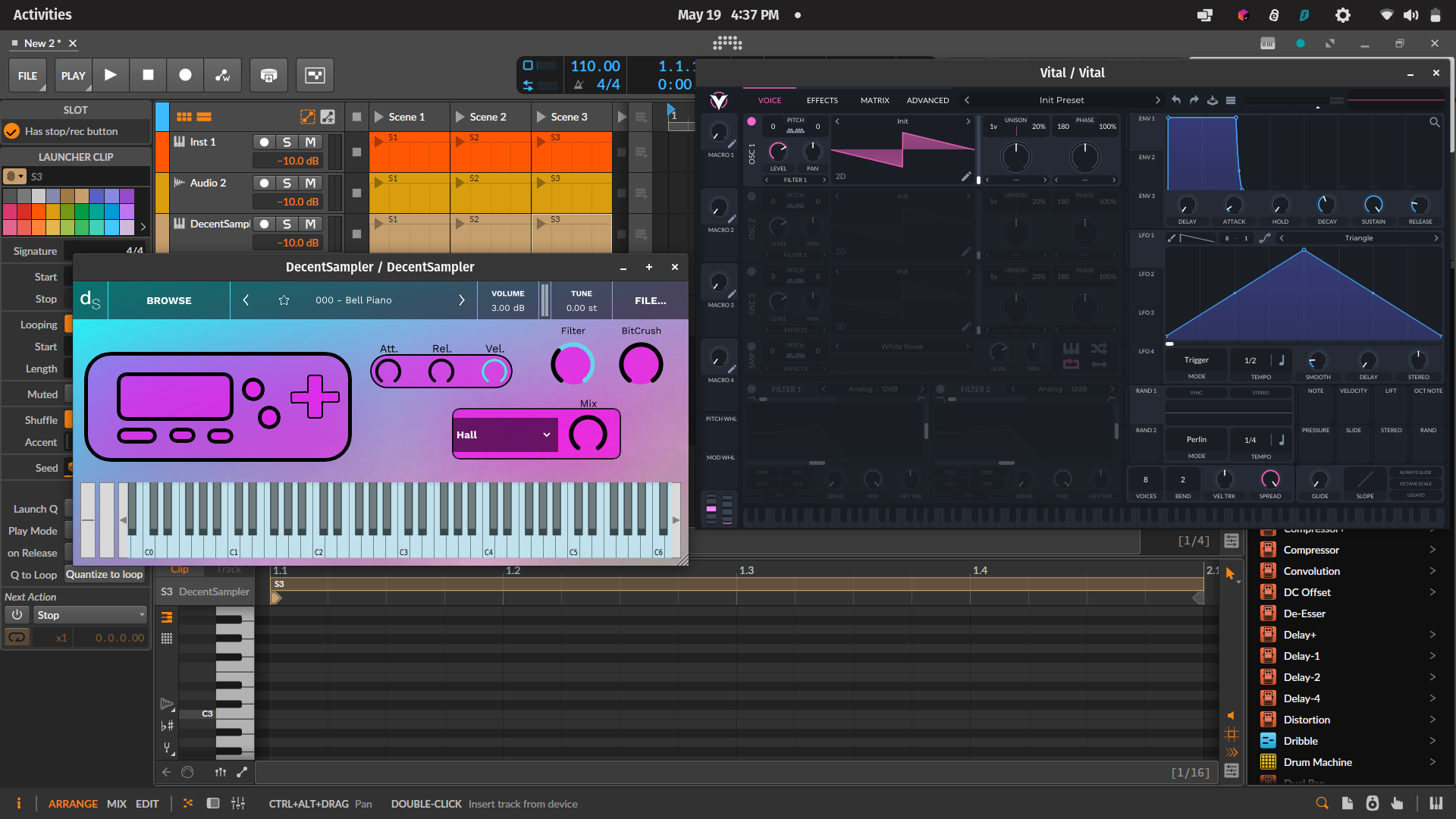
You've got two options for plugins on Linux, native and emulated Windows plugins. The Linux plugin world has gotten awesome over the last few years! While many of the big corporate players aren't native, many more companies are starting to support Linux VST and CLAP. Check out linuxdaw.org for a good list of free and paid tools. My personal favorite native plugins are:
Synths:
- Vital
- Zebralette
- Dexed
- Surge
- Helm
Samplers:
- DecentSampler
- Sforzando
- Sitala 1
Reverbs:
- Duskverb
- Sala
- Dragonfly Reverbs
- TAL-Reverb 4
Compressors:
- Valentine
- ZL Compressor
Mixing:
- Multi-Q Dusk Audio
- LSP Plugins
Using Windows Plugins with Yabridge
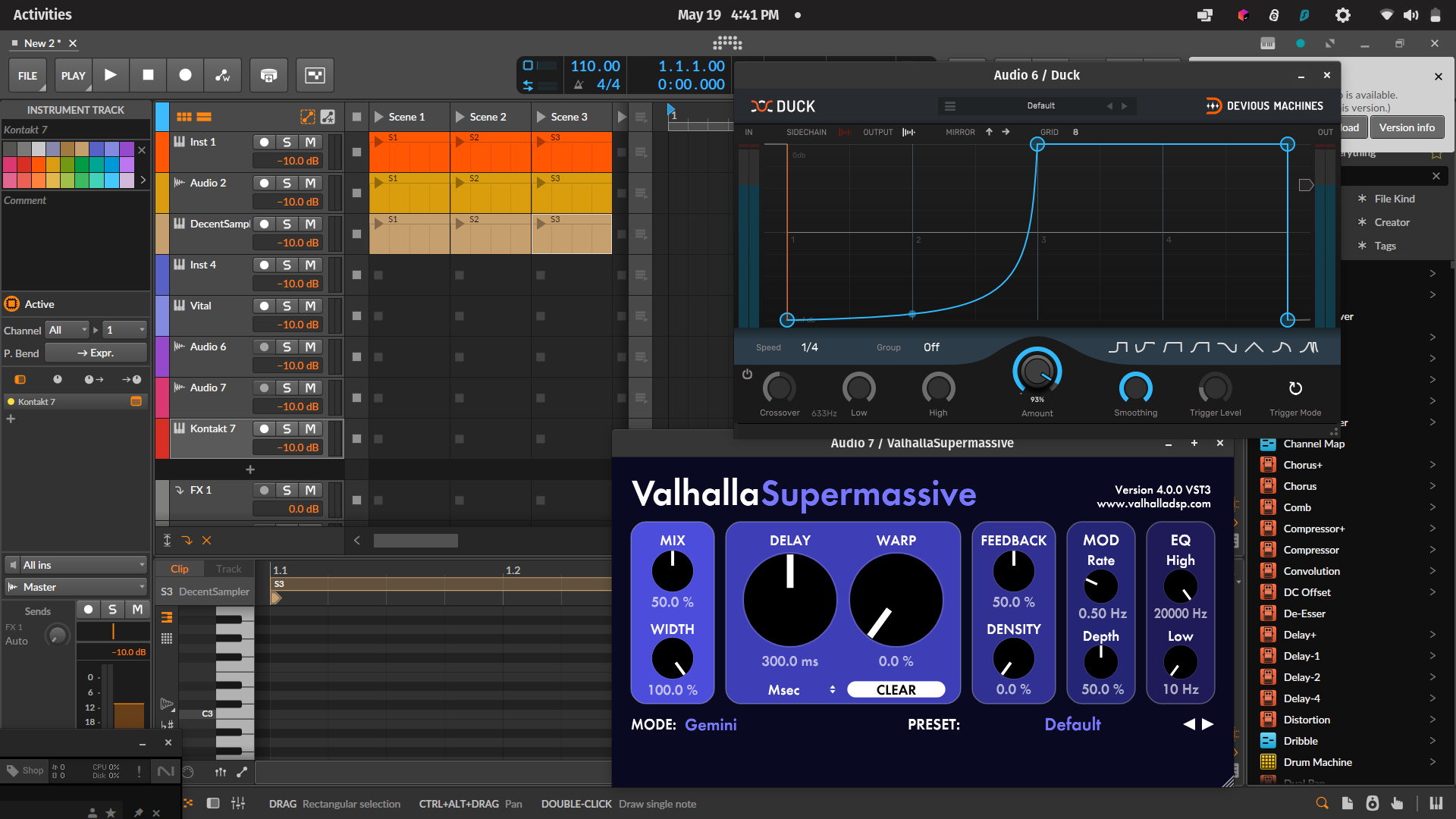
Native performance is pretty much always going to be the best performance, but if you're moving plugins over that you bought in the past, the good news is that most of them emulate well on Linux!
Yabridge is a layer that sits on top of wine that is specifically for VST plugins. This requires a tiny bit of terminal usage, but it's really not bad! To get it installed, follow the instructions on the Github page. Currently, it needs a specific version of wine-staging installed, but luckily there are rollback instructions as well. Once it's set up, just download and install Windows plugins under wine, add your Windows VST directory to yabridge, and run yabridgectl sync.
It's important to note that some manufacturers have DRM that yabridge can't get through easily. The github page has runarounds for some of these plugins, and you may find a few more, but most work!
It's important to note that you really shouldn't buy new Windows plugins at this point unless you're absolutely certain they work with Yabridge.
Alright, now we're through all of the technical differences, so from here on out I'll be zooming out and taking a more vibes based approach to the article. I'm gonna focus on what's changed in my workflow, what I miss, and specific workflows that I'm still keeping on Windows.
What's Better
My systems just run faster on Linux. Even on my main computer, which is a pretty beefy newer laptop with a nice AMD processor, a NVIDIA card, and 32 gigs of ram, even booting Windows makes the fans breathe fire. The Linux side of the PC runs probably 30% faster at any given time and that gives me lots of extra CPU that I can dedicate to running plugins and not OneDrive that I'm not using.
Linux supports a massive ecosystem of free and open source software, and the graphical software manager in Pop OS puts it right in front of my face. Many of these programs, both musical and non-musical, are excellent, and I may not have discovered them as a Windows user. I have a lot fewer popups in general. The result of this is that both more of my system and more of my brain get to be dedicated to the task I'm actively working on.
I also just prefer GNOME (My desktop environment) over the look and feel of Windows. Hitting the start key takes me to a combined app launcher and multitask view that's both beautiful and efficient. I feel more of a sense of ownership of my system and less like it's a camera pointed at my face, starved for my data.
What's Worse
There are exactly 3 things that I miss about Windows. Splice, the iZotope RX plugins, and Rekordbox. In the place of splice, I now use a mixture of splice samples downloaded from their web app and sample packs I acquire elsewhere.
I don't have drop in replacements for either RX or Rekordbox.
What I Still Do on Windows
My DJing workflow lives on my Windows drive and likely will for the forseeable future. For many DJs, Mixxx is a perfectly worthy substitute, however I usually play live on CDJS, so the ability to export my Rekordbox library is crucial. Mixxx can currently read rekordbox devices, but it's slow and buggy, and it's not worth it for me to keep track of two separate DJ libraries.
Every once in awhile, I pick up some flavor of post-production gig that needs noise removal. While there are awesome noise removal plugins that do run on Linux, iZotope RX is both the best and fastest tool for the job, so any time I take a film gig I'm usually switching between operating systems more often. This is a hassle, but it's still worth the better computing experience.
Summary
The Linux audio ecosystem is getting better because more people are using it, and the more people want to use it, the better it gets! If you're considering the switch I really recommend trying things out on an old computer or doing a dual boot setup with multiple drives. Linux is in a fantastic state for music making, and a great state for creative work in general, but it lacks certain industry standard software. If you don't have a need for those industry standards and primarily use your computer to make your own music, the switch should be pretty easy, though it gets more complicated as you add special use cases.
Resources
this article is human written